
C-19-401 Apply Voicemail Template to Field Staff in Zoom
👤 RESPONSIBLE POSITION
Corporate Business Manager or Operations Supervisor
🎯 PURPOSE
When field staff are hired, a template must be applied to their profile in Zoom which will assign their phone lines a default field staff voicemail.
🔄 PROCESS
-
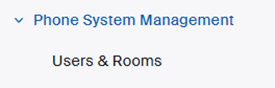
After user’s Zoom account is created, navigate to Phone System Management > Users and Rooms.
- Select the checkbox beside the user’s name, and then select Apply Template.
-
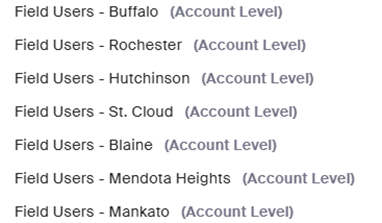
Select the Field Users template tied to the specific branch to which the field clinician belongs:
- Click Confirm.
- The template will have been applied.
-
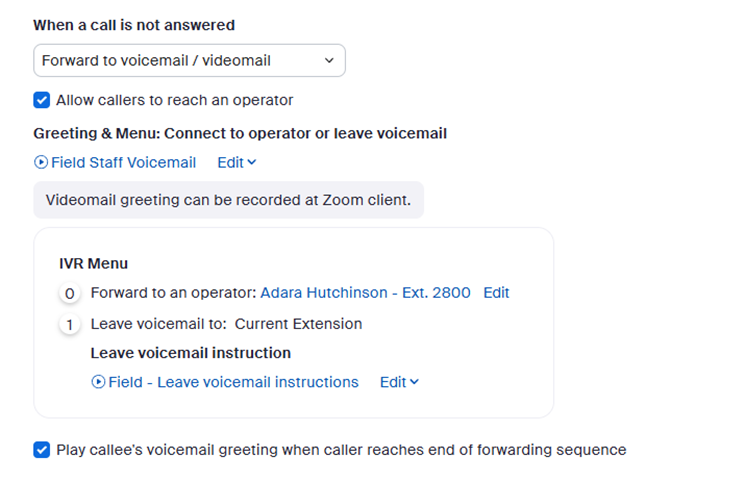
If wanting to double-check that the template has been applied, you may click on the user’s name and then go to the User Settings tab. When you scroll down, the voicemail setup should look like this example, with the assigned branch's main line in the Forward to an operator field.
📅 Effective: 04.21.2026 | 🛠️ Revised: 04.30.2026 | ✅ Approved by: JFJ